
QR Codes and PDF Brochures That Turn Viewings into Enquiries
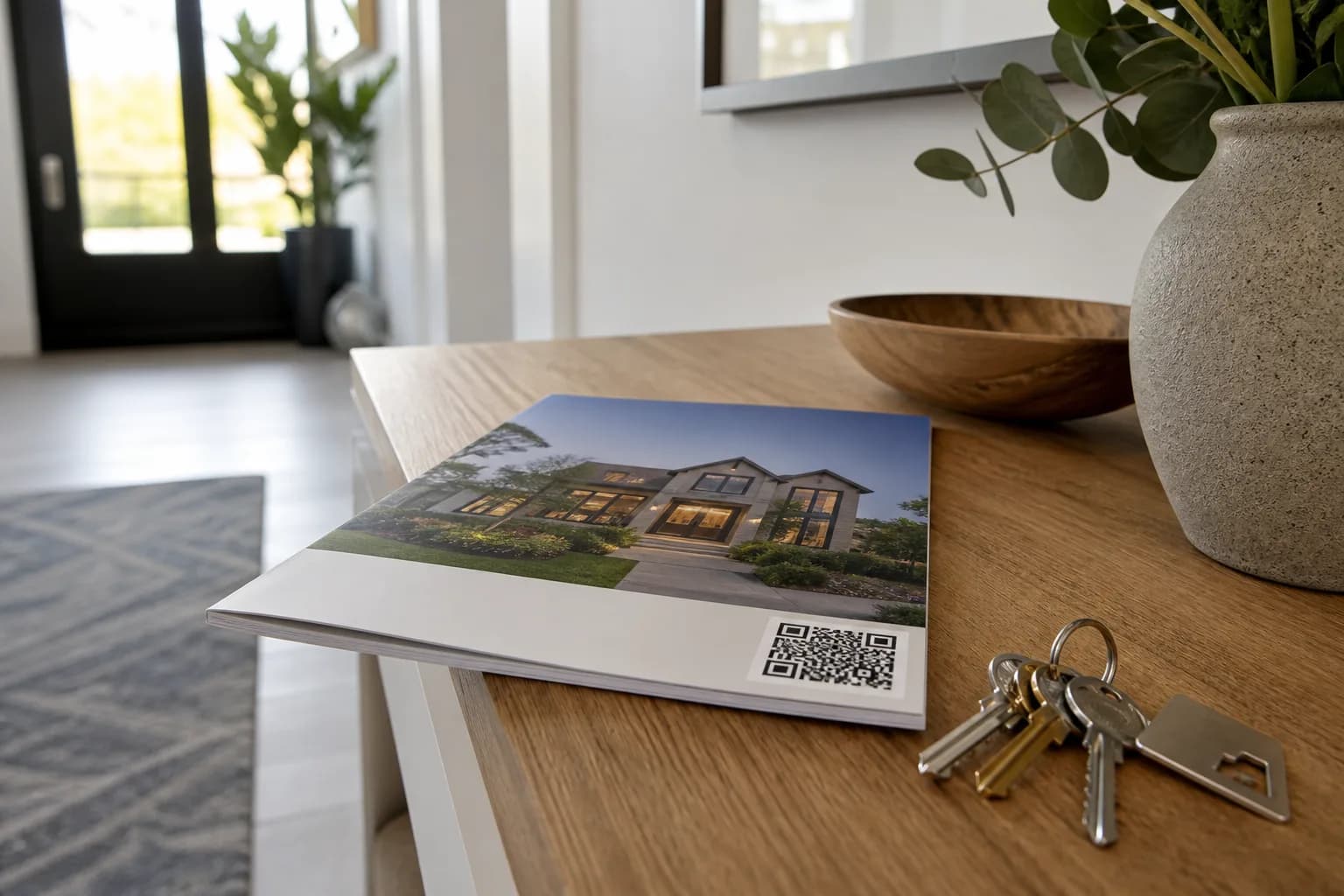
Boards, window cards and viewing folders still matter. Pair them with QR codes and smart PDF brochures so interest does not die when someone leaves the house.
Key Takeaways
- A QR code is only useful if the landing experience is fast and complete.
- Brochures should be designed for phones first, print second.
- Use unique codes when you want to know whether boards or viewings convert.
- Pair particulars with a Showcase page rather than a generic homepage.
- Train negotiators to send the same link after every appointment.
The viewing ends. Someone says they will “have a think”. Their partner is at work. By evening the details are a blur of other lounges and kitchens. If all you left behind was a folded sheet with a phone number, you are relying on memory — a weak CRM.
QR codes and well-built PDF brochures exist to catch interest while it is still warm and move it onto a page that can be revisited and shared.
The job of paper in a digital sale
Paper still wins at:
- Board and window discovery
- Tactile leave-behinds during appointments
- Open-house traffic
- Vendors who want to see “proper particulars”
Paper loses when it tries to be the entire gallery. Let paper invite; let digital deliver.
Design the landing experience first
Before you generate a QR, decide the destination:
Best: property microsite / Showcase page with gallery, plan, video, download and enquire
Good: hosted PDF + enquire CTA
Weak: branch homepage
Bad: URL shortener that breaks, or a login wall
Test on a phone over mobile data. If it takes more than a couple of seconds to understand the home, fix the page — not the code size.
Where to place QR codes
- For-sale / to-let boards — passers-by and after-hours interest
- Window cards — high street browsers
- Printed particulars — viewing leave-behinds
- Brochure back page — always
- Follow-up email signature block for that listing — same destination
For attribution, use distinct codes or UTM links for board vs particulars when you care about source data.
PDF brochure standards that feel premium
- Cover = portal-quality hero (first-image logic)
- Page 2 = key facts + QR to live media
- Then curated photos (not 40 near-duplicates)
- Floor plan early
- Map / area only if it adds something
- Contact block that works on mobile PDFs
Export lightweight files. A 40MB brochure is a branding own-goal on mobile data.
The post-viewing sequence
- On-site: hand PDF or card with QR
- Same evening: email/SMS the Showcase link
- Next day: call with one relevant detail from their questions
- If they share with a partner, the link — not your memory — carries the listing
This is mundane. It is also how enquiries materialise.
Open houses and development events
QR codes scale when staff cannot talk to everyone:
- Poster stands with “Explore the full gallery”
- Plot cards linking to the right house type
- Optional interactive plan on the landing page
Keep the promise honest — if the QR says brochure, do not open a newsletter signup first.
Production inside ReHub
Showcase is built for property pages and brochure-style outputs fed by the same media you already edited, staged and animated elsewhere in ReHub Studio. That matters because QR journeys fail when the landing gallery is a poorer cousin of the portal set.
Mistakes that waste print budget
- QR to a portal listing that looks different from your brand story
- Tiny codes that cameras cannot read on textured boards
- No enquire CTA above the fold on mobile
- Out-of-date PDFs after a price change
- Different links from different staff members
Measure simple things
- Scans per week (board vs particulars if tagged)
- Brochure downloads
- Enquiries from microsite forms
- Vendor reaction when you show the journey in appraisals
If scans are high and enquiries are low, fix the page CTA. If scans are low, fix placement and print contrast.
Board and window card design that scans first time
QR codes fail in the wild more often than in the office. Boards face rain, glare, textured surfaces and passing phones at odd angles.
Design rules:
- Minimum QR size: roughly 3cm square on particulars; larger on boards if space allows
- High contrast — dark code on white vinyl, not reversed on brand colours
- Quiet zone around the code — no logo sitting inside the corners
- Short URL printed beneath for manual entry when scan fails
- Test at 3 metres on an actual board sample before printing 50
Window cards compete with reflections. Place the QR on the lower third where glass glare is less brutal. Add one line of human text: “Scan for full gallery & floor plan” — not “Scan me” alone.
For lettings boards, include availability date near the QR. Applicants decide faster than buyers; give them the facts above the fold on the landing page too.
Negotiator training: the same link every time
Technology does not fix inconsistent follow-up. Two negotiators viewing the same property should send the same Showcase link that evening — not one portal URL, one PDF attachment and one vague “call the office”.
Training drill (15 minutes in a team meeting):
- Scan the board QR together — timed on mobile data
- Open the PDF leave-behind — same destination?
- Role-play the evening SMS: link, one personal detail, viewing offer
- Check CRM: is the microsite link stored as the canonical URL?
Make the Showcase link a required field at listing setup. If it is optional, it will be blank on half of jobs.
Negotiators should know what is on the landing page without reading from a script. “There is a video of the garden and an interactive plan” beats “I sent you the link”.
Development and multi-plot QR journeys
Single-property QR logic breaks on developments. A code on Plot 12’s board must not dump buyers on Plot 3’s gallery.
Development QR structure:
| Touchpoint | Destination |
|---|---|
| Site entrance board | Development hub — phase map + plot finder |
| Individual plot board | That plot’s page or house-type gallery |
| Show-home window | Show-home tour + similar plots available |
| Sales suite leave-behind | PDF with QR to development hub |
Use distinct codes when marketing wants to know whether board scans or open-day posters drive traffic. Planos site plans on the hub help buyers self-navigate when sales staff are with other applicants.
After price changes or plot status updates, refresh PDFs and test one code per phase. An out-of-date “Available” page destroys trust faster than no brochure at all.
Measuring ROI without overcomplicating analytics
You do not need enterprise tracking to learn whether QR journeys work. Start with three numbers per listing: scans, landing page views and enquiries mentioning the brochure or board.
If scans are zero, the code is invisible or unnecessary for that property type. If scans are high but form fills are zero, simplify the page — one hero, plan thumbnail, enquire button. Vendors remember agents who show a tidy scan-to-enquiry funnel in the appraisal room.
Bottom line
QR codes and PDF brochures are not nostalgic extras. They are bridges between physical interest and digital decision-making. Build the destination properly, print the invitation clearly, and follow up with the same link every time — so “we’ll have a think” has somewhere useful to go.
Frequently Asked Questions

The ReHub Studio Team
Property Marketing Experts
The ReHub Studio team builds AI-powered tools that help estate agents, photographers and developers create better property marketing, faster.
Ready to improve your property marketing?
Enhance photos, remove clutter, stage rooms, produce floor plans, create video and publish listings from one ReHub account.
Related Articles
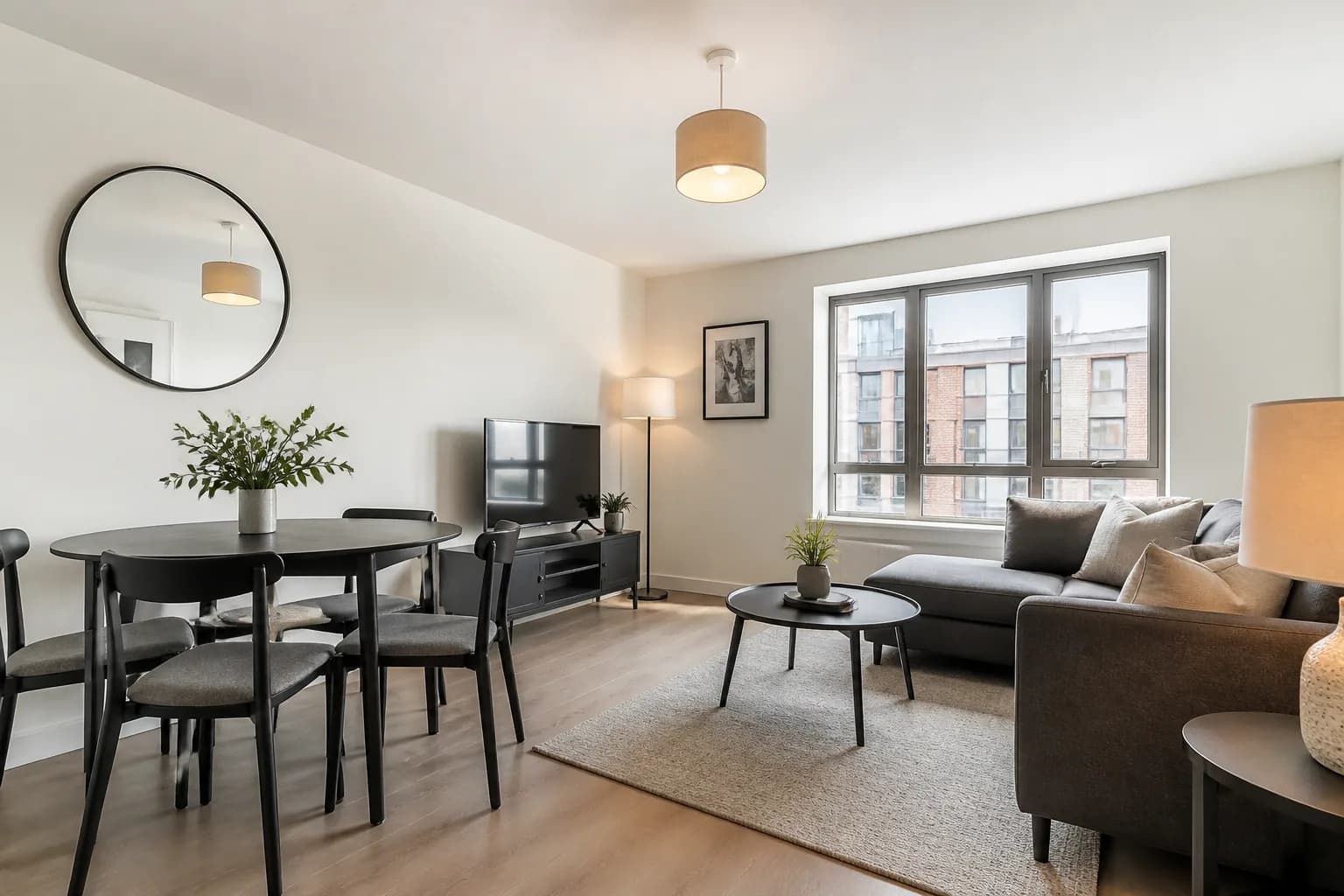
Lettings Marketing with AI Property Tools
Voids cost money. Learn how lettings teams use AI decluttering, staging, video and clearer photos to fill rentals faster without luxury-sale budgets.
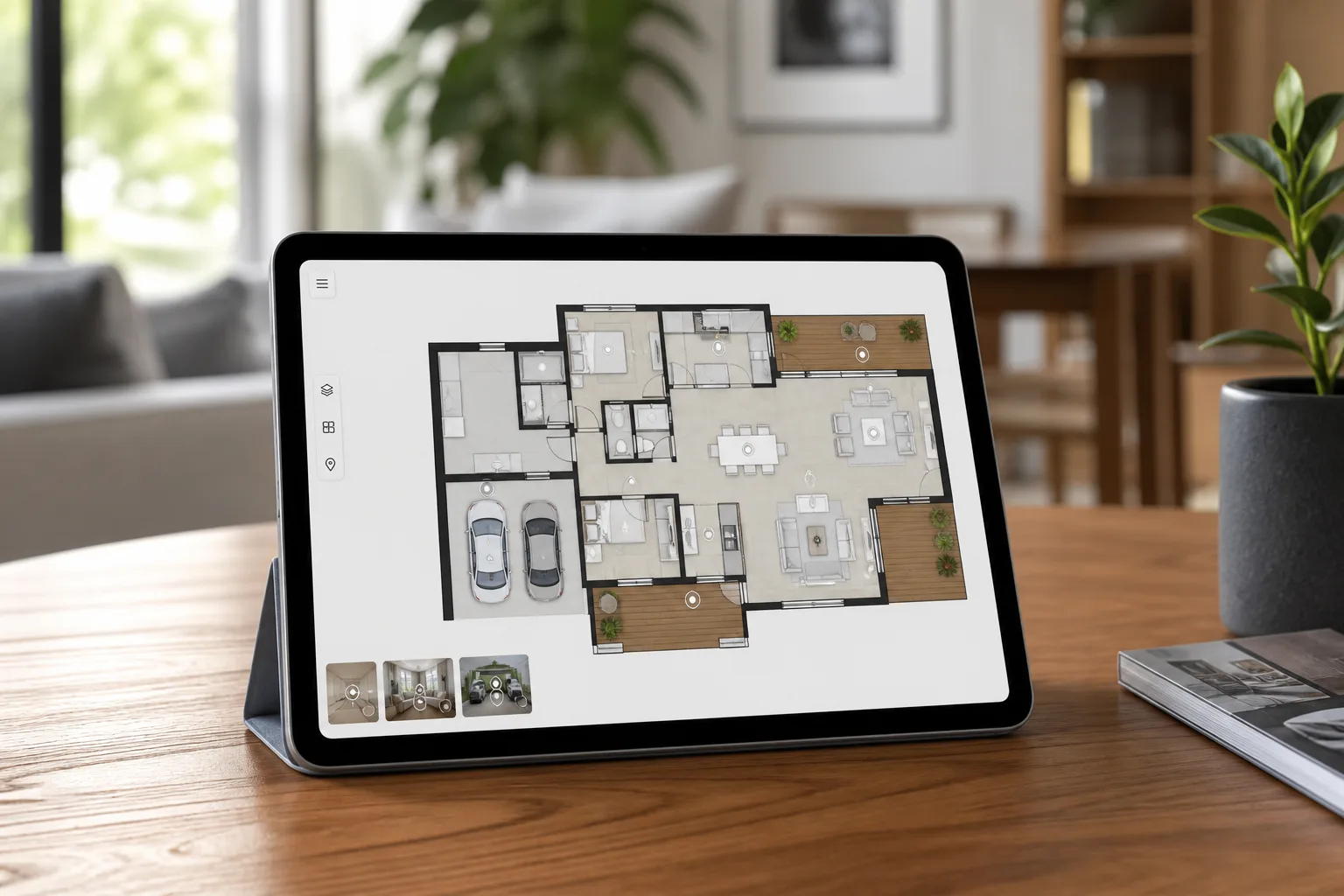
Interactive Floor Plans vs Static PDFs — Which Do Buyers Prefer?
Static plans still earn their place on portals. Interactive floor plans help buyers connect rooms to photos and tours. Here is how to choose — and when to offer both.
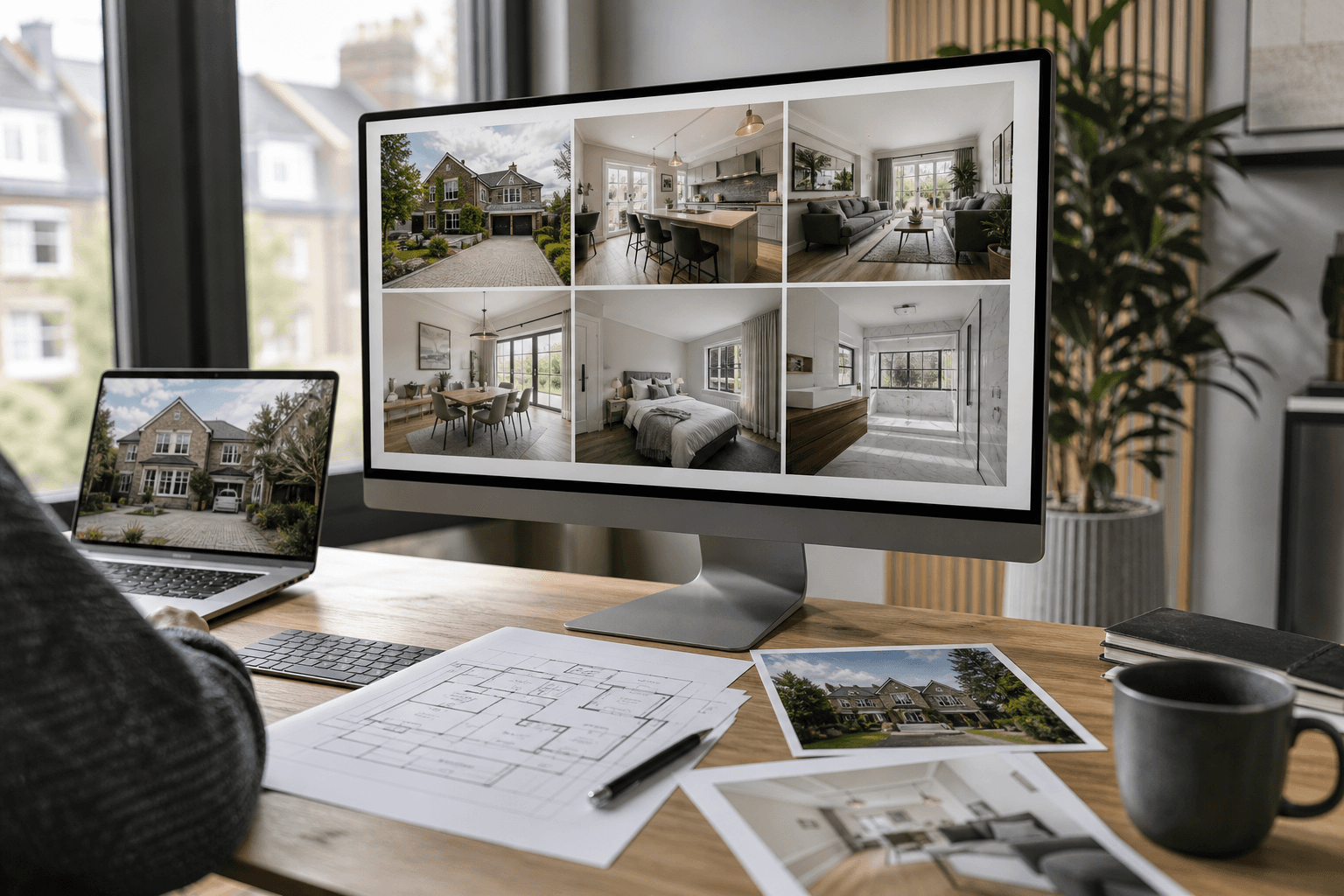
The Complete Property Marketing Workflow: From Instruction to Live Listing
A practical framework for moving every instruction from capture to a complete, consistent and launch-ready marketing package.