AI video analysis
Upload walkthroughs and let AI identify rooms, transitions and hero moments.
Benefit: Less scrubbing through raw timelines.
e.g. A 12-minute walkthrough becomes a structured room list.

Videomotion helps you turn raw walkthrough footage into polished, social-ready property videos — with AI that finds rooms, transitions and hero moments so edits move faster.
Start free with 10 credits — no card required
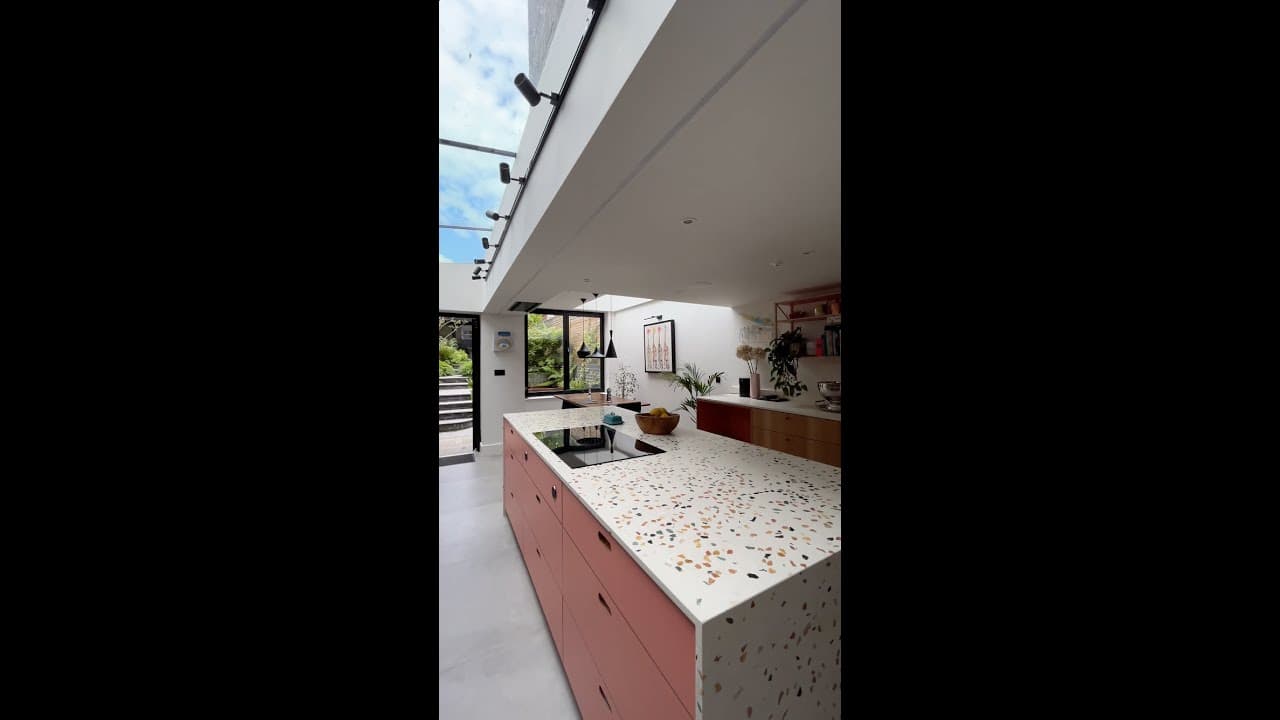
Overview
Videomotion is AI video editing software for property marketing. It is built for agents and creators who already shoot walkthrough footage and need a faster path to a finished listing video.
Raw phone or camera walkthroughs rarely go live as-shot. They need pacing, room clarity and a structure buyers can follow. Videomotion analyses footage to identify rooms, transitions and standout moments, then helps you assemble a tighter edit for portals, social and vendor presentations.
Unlike ImageMotion — which animates still photos — Videomotion is for real video you have already captured. Scripts and teleprompter-style support help presenters stay on message when narration matters.
As part of ReHub Studio, finished clips sit alongside ImageMotion teasers, PropertyCut assemblies and Showcase microsites under one login and credit wallet.
Videomotion is for estate agents, videographers and marketing teams who shoot property walkthroughs and need faster, cleaner edits.
Key features
The features that make Videomotion the fastest way to AI property video editing.
Upload walkthroughs and let AI identify rooms, transitions and hero moments.
Benefit: Less scrubbing through raw timelines.
e.g. A 12-minute walkthrough becomes a structured room list.
Cut and pace footage for listing channels without a full NLE workflow.
Benefit: Same-day video from the shoot.
e.g. A portal cut is ready before the listing goes live.
Shape edits for feeds and stories as well as longer listing films.
Benefit: One shoot, multiple cuts.
e.g. A vertical reel reuses the best room moments.
Generate and follow narration that matches the property story.
Benefit: Clearer presenter-led videos.
e.g. An agent records a confident voiceover in one take.
Use stills animation and real footage as two tools in one platform.
Benefit: Right tool for each asset type.
e.g. Stills teaser plus walkthrough edit on the same listing.
One account with PropertyCut, Showcase and 360 Tours.
Benefit: No separate video SaaS login.
e.g. Credits stretch across stills and motion work.
Who it’s for
Ship walkthrough video without waiting on an editor.
Speed delivery while keeping creative control.
Standardise video output across branches.
Reuse footage for social and portal formats quickly.
Benefits
AI finds structure so you cut faster.
Room-aware pacing beats raw phone uploads.
Portal and social versions from one shoot.
Credits instead of another monthly editor seat.
Workflow
Bring in phone or camera clips.
Rooms and key moments are identified.
Build the portal or social cut.
Use scripts and teleprompter support.
Download or place the film in Showcase.
One connected platform
Shared login, shared credits. Move between apps without switching platforms or re-uploading your work.
 Pair stills-based teasers from ImageMotion with real walkthrough edits.
 Assemble photos and clips in PropertyCut when you need a template-led film.
 Embed finished video on a property microsite.
 Offer a guided Screen Record of a tour alongside edited walkthrough video.
 Record presenter-led tour explainers, then polish related footage in Videomotion.
How it compares
Full NLEs are powerful but slow for listing turnaround. Videomotion is tuned for property walkthrough editing speed.
| Videomotion | Desktop video editor | |
|---|---|---|
| Setup | Browser, no install | Desktop software |
| Property awareness | AI room/moment detection | Manual scrubbing |
| Best for | Listing & social cuts | Complex long-form production |
| Cost model | Shared ReHub credits | Licence + learning time |
FAQ
Pricing
Videomotion runs on ReHub Studio's shared, pay-as-you-go credit system. No subscription and no minimum — buy credits and use them across every app in the platform.
See full pricingPay only for the edits you run — start with 10 free credits.
Explore the platform
Turn raw property walkthrough footage into polished, social-ready video edits. Start free with 10 credits — no card, no commitment — and use them across every app in ReHub Studio.